Follow along with the video below to see how to install our site as a web app on your home screen.
Note: This feature may not be available in some browsers.
Xenforo Cloud is upgrading us to version 2.3.8 on Monday February 2nd, 2026 at 12:00 AM PST. Expect a temporary downtime during this process.
More info here
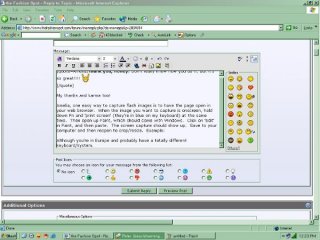
Amelia, one easy way to capture flash images is to have the page open in your web browser. When the image you want to capture is onscreen, hold down Fn and 'print screen' (they're in blue on my keyboard) at the same time. Then open up Paint, which should come with Windows. Click on 'edit' in Paint, and then paste. The screen capture should show up. Save to your computer and then reopen to crop/resize. Example (looks blurry because of resize)
Although you're in Europe and probably have a totally different keyboard/system
This site uses cookies to help personalise content, tailor your experience and to keep you logged in if you register.
By continuing to use this site, you are consenting to our use of cookies.